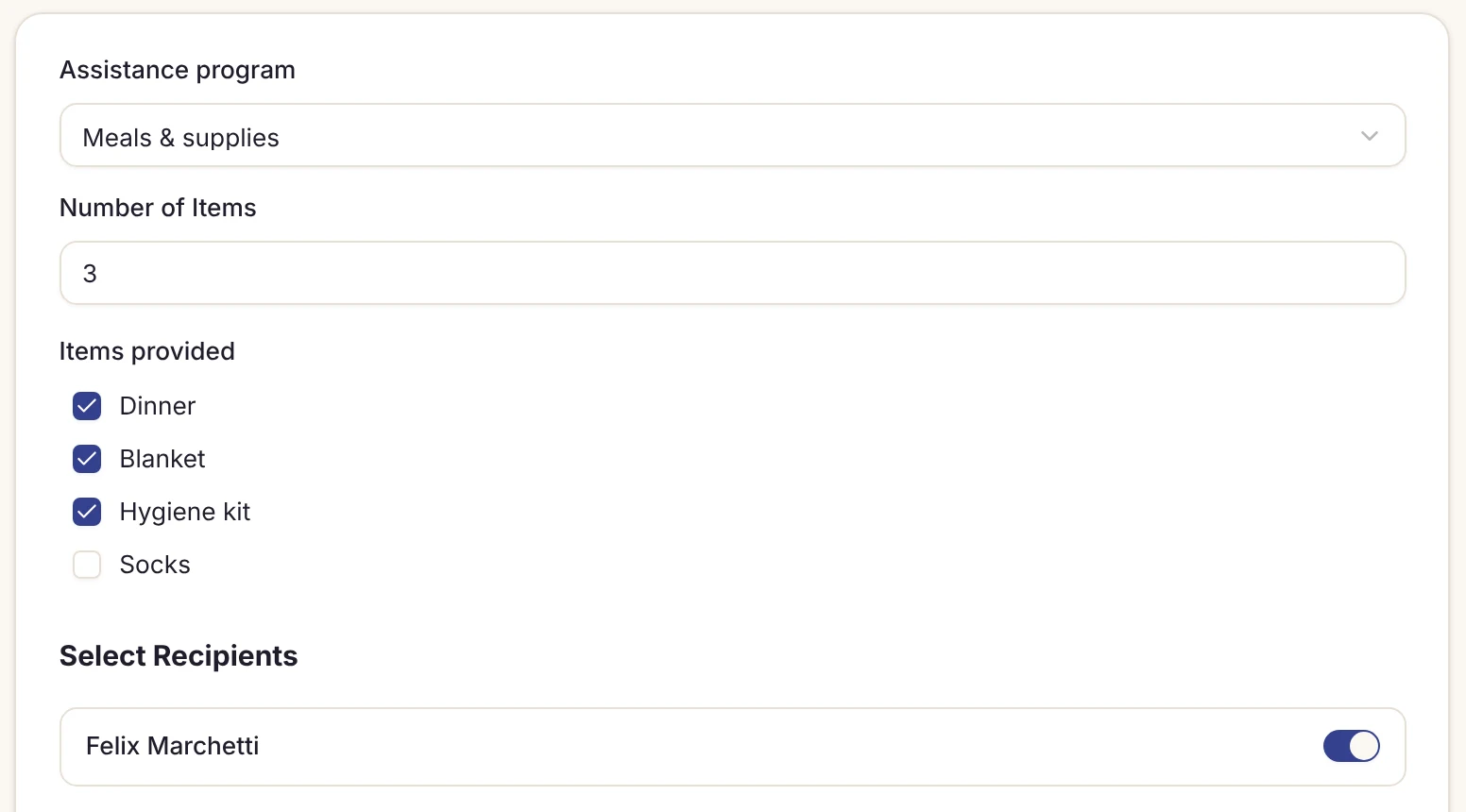
Meals & supplies
Record dinners, blankets, clothing and hygiene kits handed out, on forms built around your programs.
Shelter check-in software · for church-hosted & rotating shelters
Find the guest by card or name, tap Check in, and they’re on tonight’s board. Simple enough for a first-night volunteer, quick enough when the line is out the door.
$30/month per location · unlimited users · no credit card required
The problem: A different team runs every night, and most of them have never done check-in.
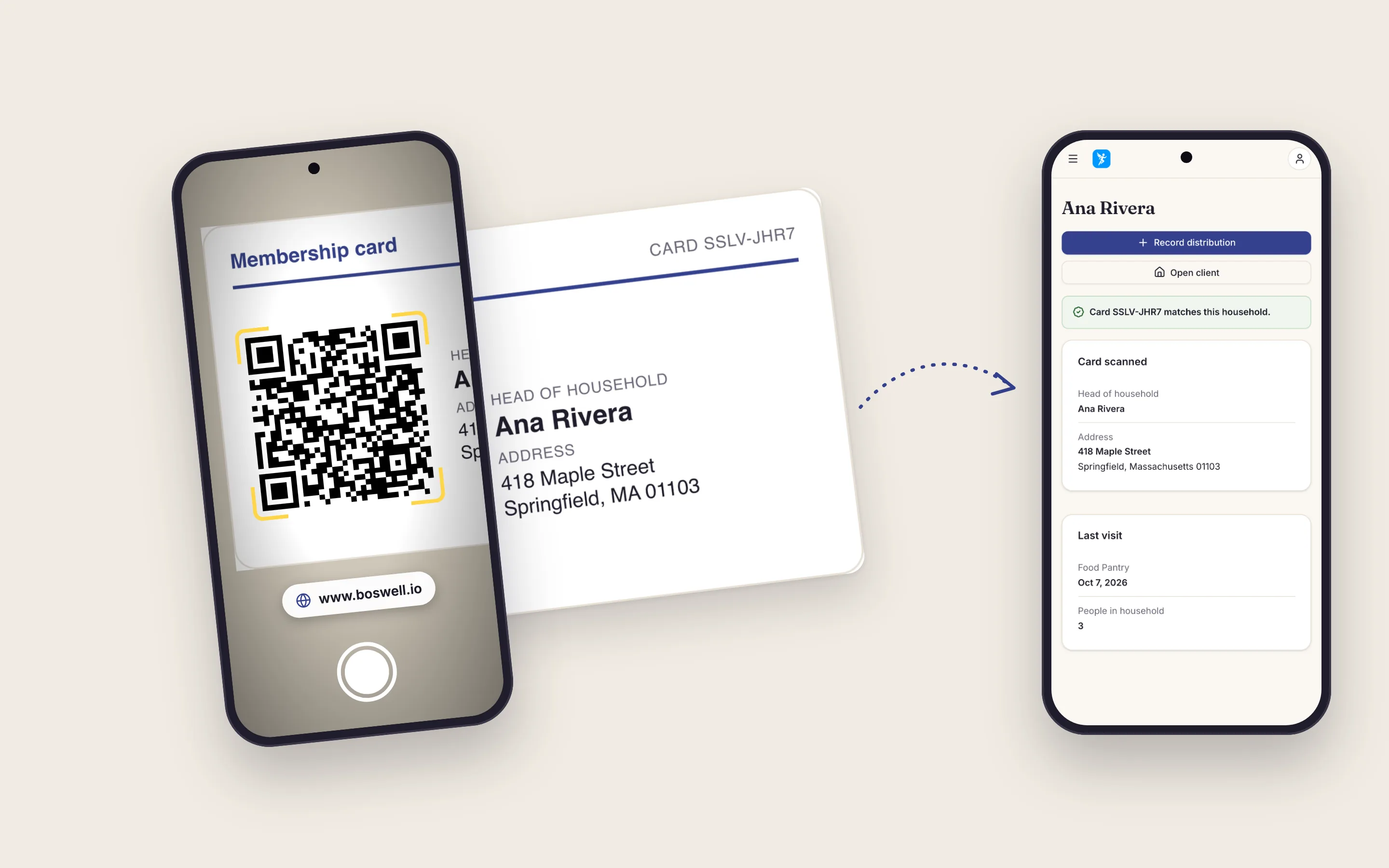
Scan a membership card or search a name, tap Check in, answer your own questions and save. A first-night volunteer learns the basics in 5–10 minutes, and a returning guest takes under 30 seconds.
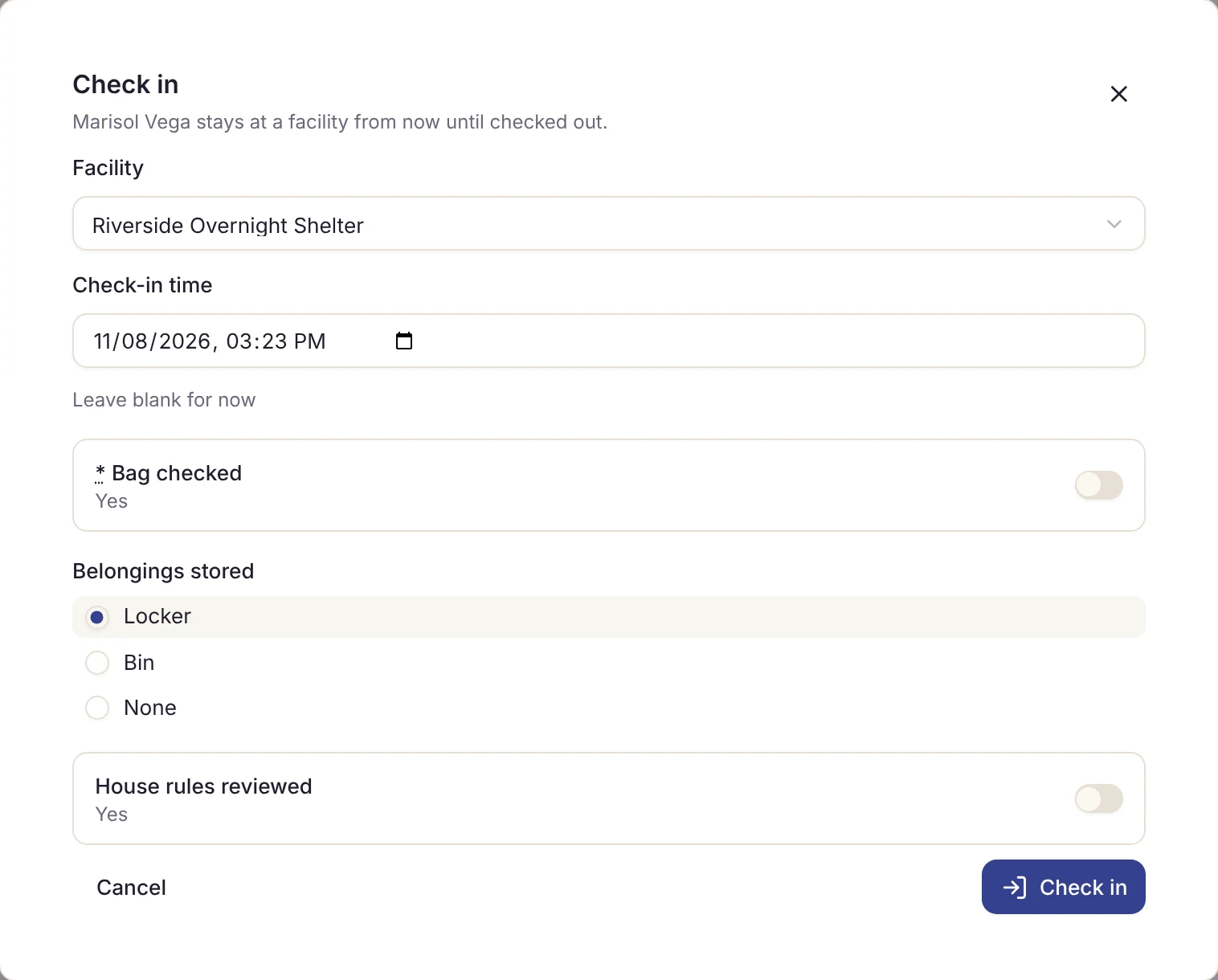
The problem: When the fire marshal asks for a headcount, someone walks the hall with a clipboard.
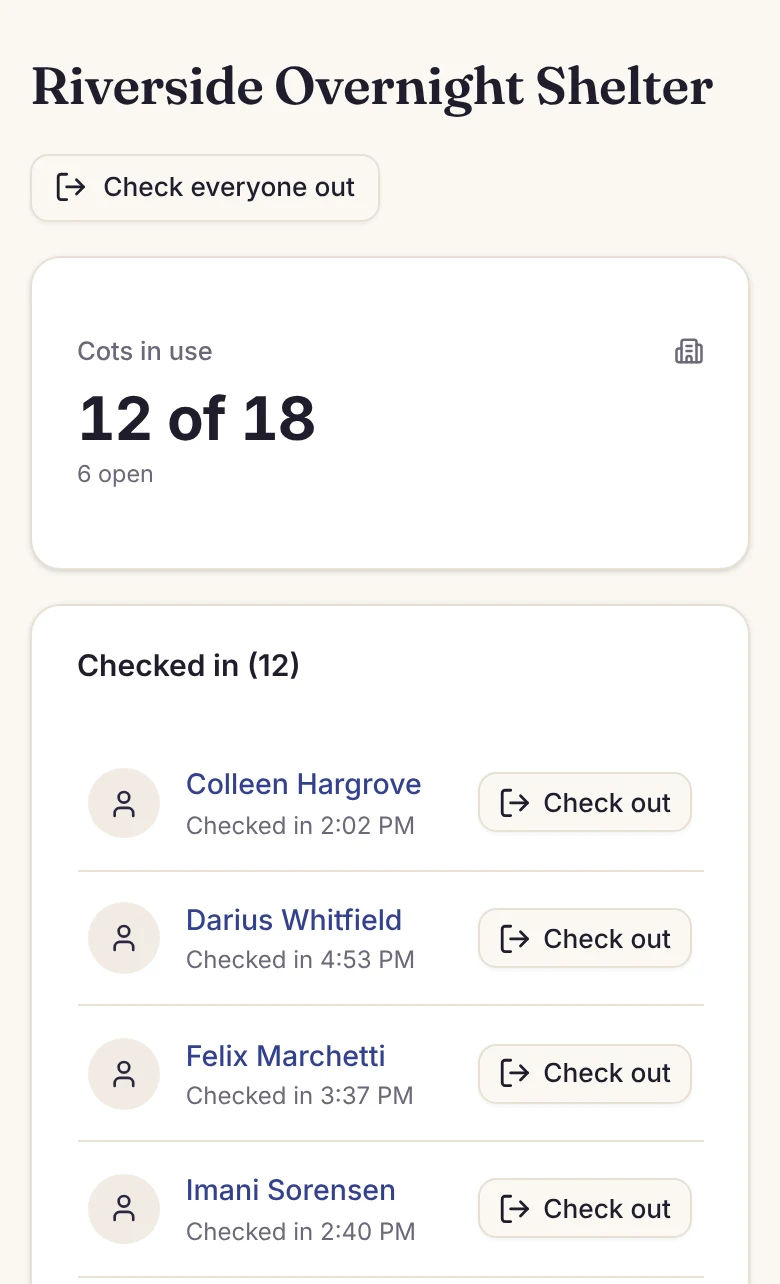
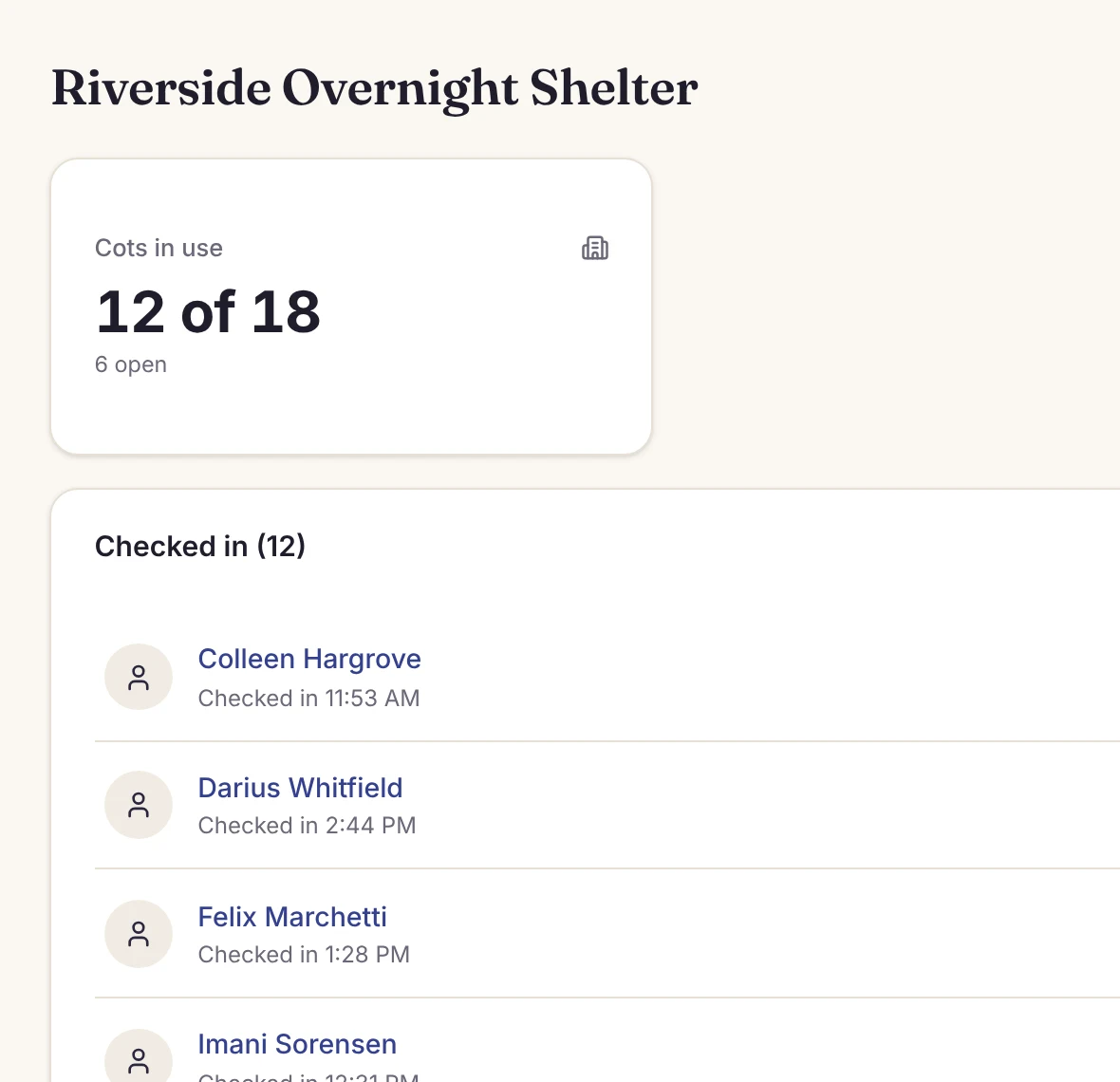
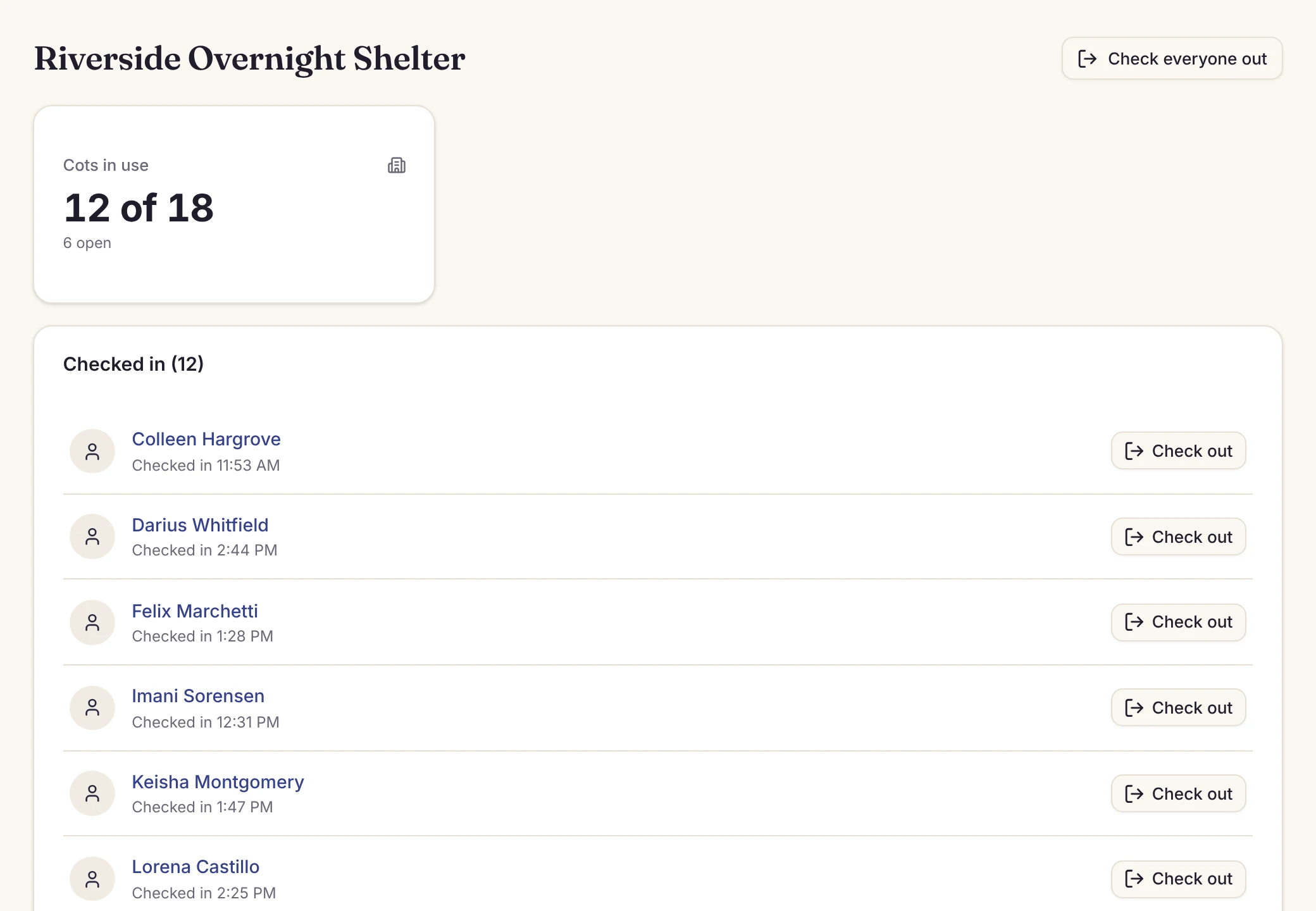
The board shows how many spaces are in use and open, in your own word for them (beds, cots or rooms), and everyone checked in. It updates on every computer, tablet or phone your team uses, so the count is on the screen whenever anyone asks, including the fire marshal.
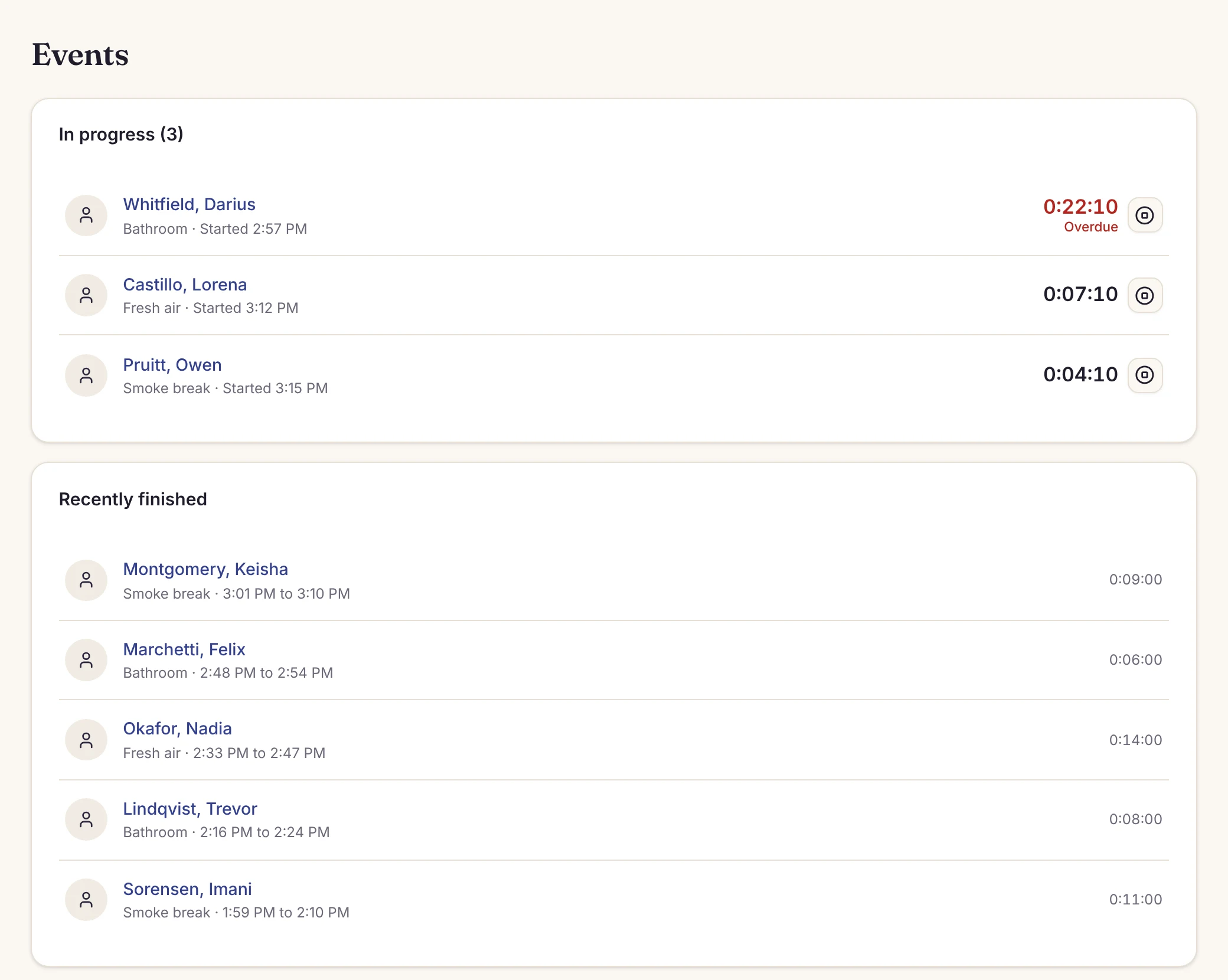
The problem: Nobody’s sure who stepped out, or how long they’ve been gone.
Tap Start when a guest steps out for the bathroom, a smoke or fresh air, and Finish when they’re back. Give each kind a time limit, like 15 minutes for the bathroom, and anyone past it moves to the top in red.
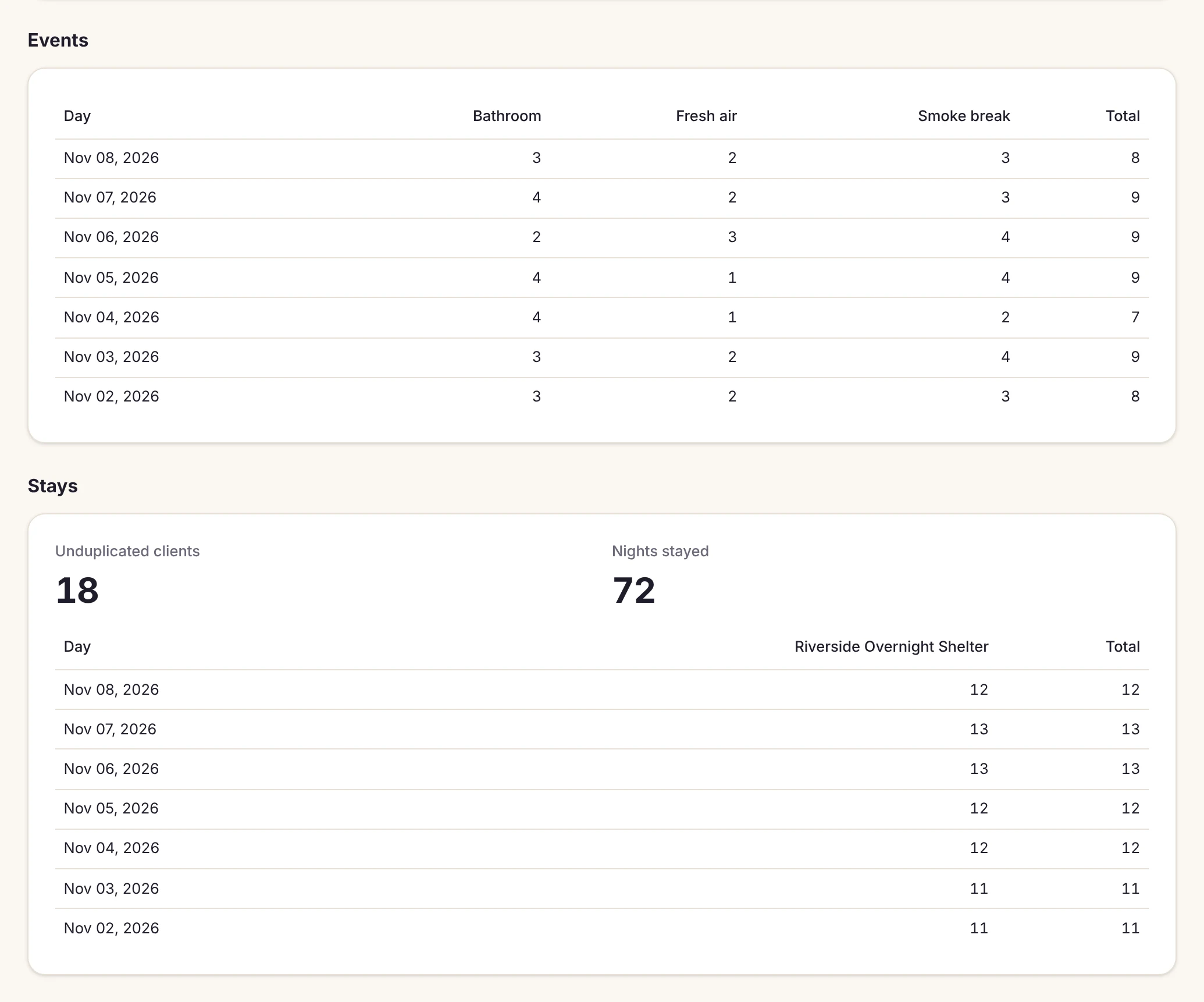
The problem: Your board of directors and donors want to know how many people you served, and someone spends an evening counting sign-in sheets.
Pick the dates and the dashboard counts them for you, along with stays per day.
Record dinners, blankets, clothing and hygiene kits handed out, on forms built around your programs.
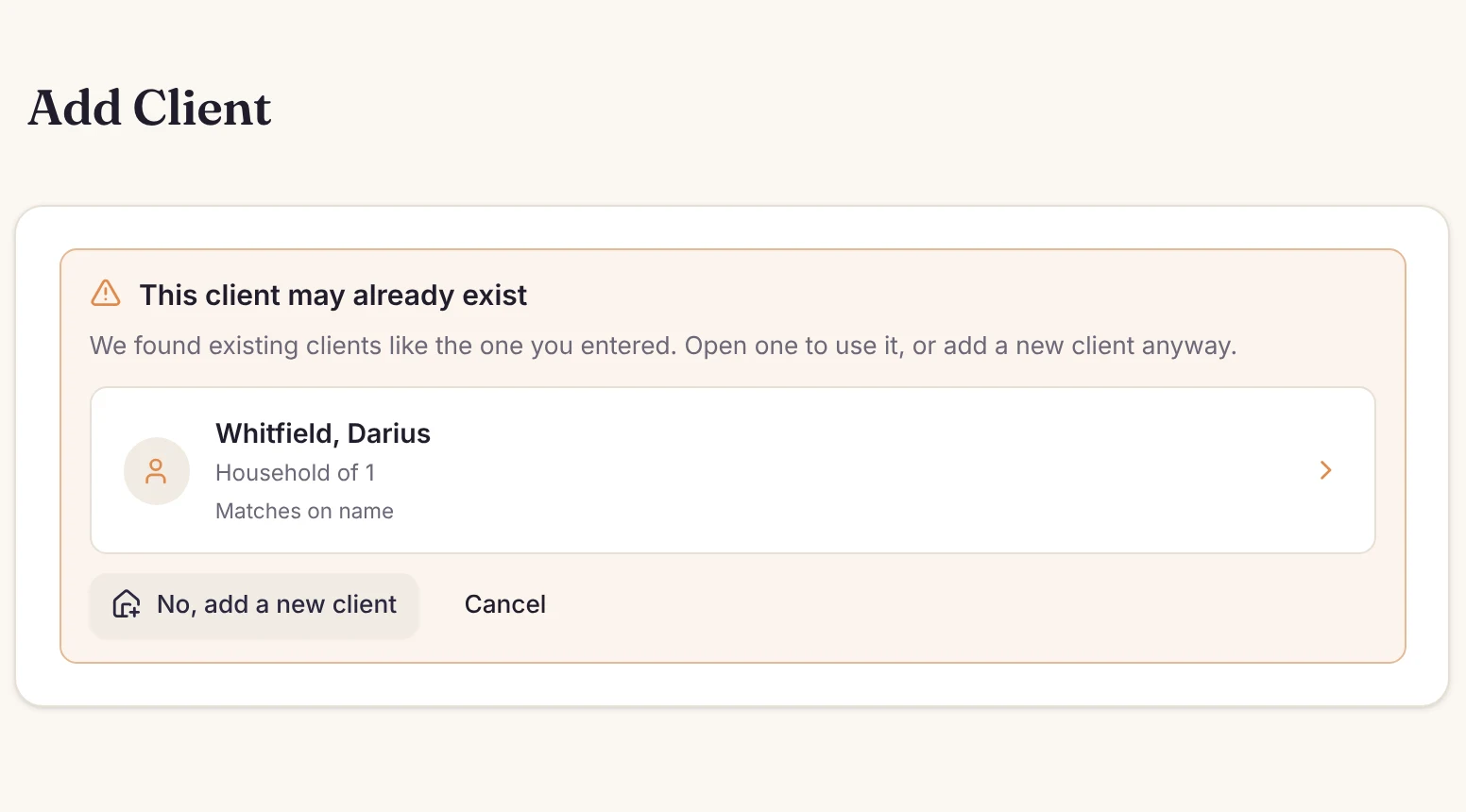
When a new guest may already be in Boswell, it shows the likely match, so you can open the existing record instead.
Your data is yours. We never sell or share it. Export your guest list anytime as CSV.

“With the use of Boswell we have been able to monitor and track guest activities, streamline our intake process and refine our record keeping methods. We recommend their services highly and without reservation.”
Yes. Set up each host church as its own facility, with its own capacity and check-in questions. Each one gets its own board.
No. Boswell works on its own. If you receive HUD funding, keep your HMIS for HUD reporting.
$30/month per location, with unlimited users and all features included. Start with a 30-day free trial — no credit card required.
Free for 30 days, no credit card. You can be set up in under an hour.
Run a year-round shelter? See Boswell for shelters.